AI Workout Generator for Runners and Cyclists: Free Picks
You write a solid session in 30 seconds. Five by six minutes at threshold, 90 seconds easy, then a cooldown capped by pace or power. The slowdown starts when that workout has to become something your watch, bike computer, or coaching stack can use.
That gap between idea and execution drives the growing interest in free AI workout tools. DataIntelo estimates that the AI-generated personalized workout video market is growing quickly, according to DataIntelo’s AI-generated personalized workout video market report. That points to a larger change in how athletes expect training plans to be created and delivered. For athletes, it is more than market trivia. It signals that text-first planning is becoming normal.
In practice, the best free tools do more than spit out a generic session. They help turn a prompt into a usable workout, with the right units, sport context, and export path. That difference is bigger for endurance athletes and coaches than it is for casual gym users. A runner may need pace targets that map cleanly to Garmin. A cycling coach may care more about power steps, FIT file export, or whether a workout can be pushed to Wahoo without manual cleanup. Language support also matters if you coach across regions or share plans with athletes who do not want training instructions only in English.
That is the lens for this list. Not only whether a tool can generate a workout, but whether it fits a real workflow from prompt to device, and where the trade-offs show up once you start using it.
Table of Contents
- 1. TextFit
- 2. Pact Fitness
- 3. PumpAI
- 4. Arvo Free AI Workout Plan Generator
- 5. WorkoutGen
- 6. WodSpark
- 7. Trainmint
- 8. RunSync
- 9. Kaiord
- 10. Endurace
- Top 10 Free AI Workout Generators: Feature Comparison
- Your Training, Upgraded by AI
1. TextFit
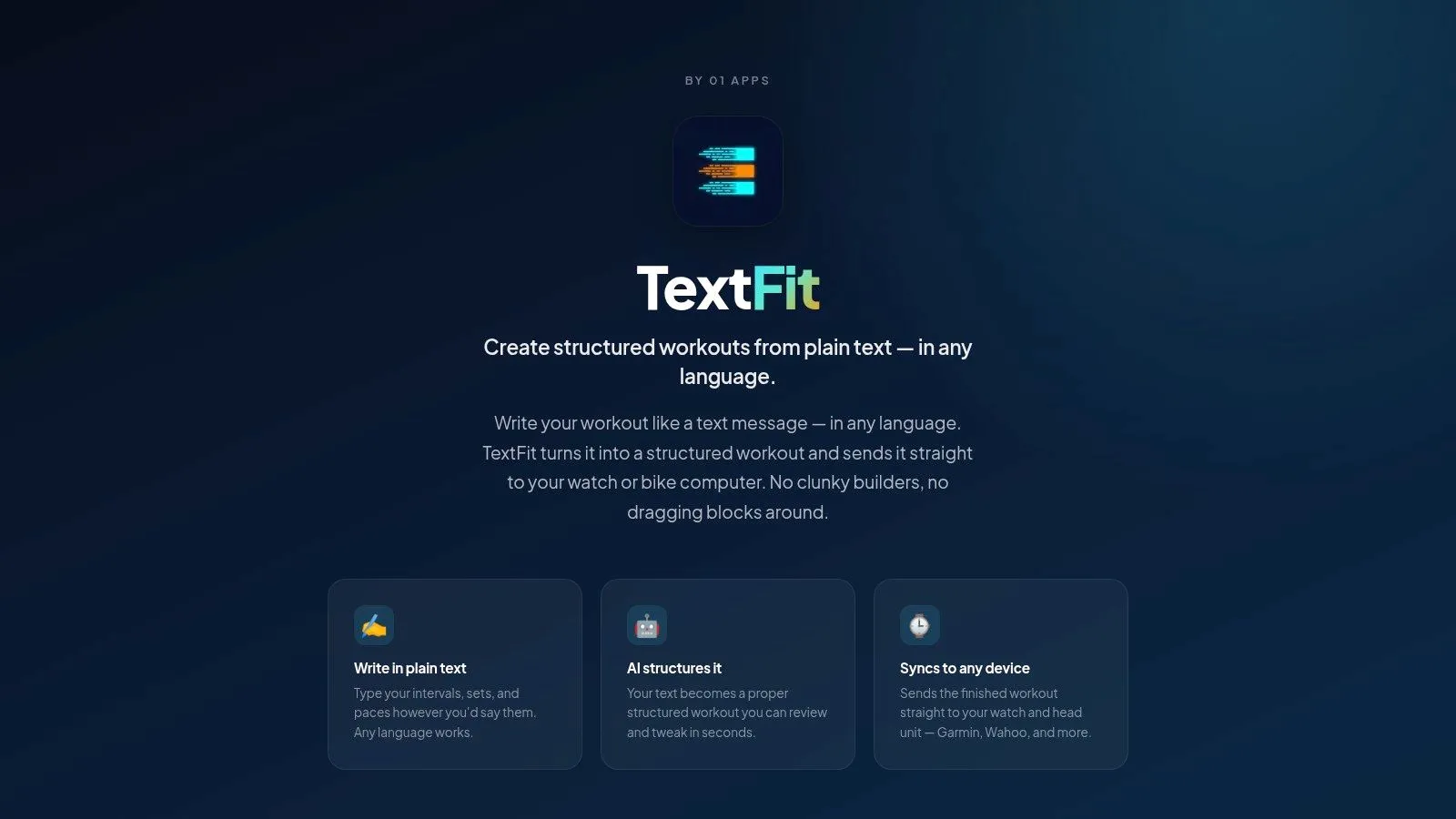
TextFit is the most interesting option here if your real problem isn’t “I need a generic plan,” but “I need my plain-language workout notes turned into something my device can run.” Its workflow is built around typing the session the way coaches and athletes already describe it: intervals, rests, paces, power targets, and repeats in plain language, then reviewing a structured version before sending it out.
That matters because endurance athletes are still underserved by most free generators. Across the market, many tools ask for equipment and aesthetic goals but don’t properly handle pace, power, reps, and rest intervals for structured endurance sessions. The gap is especially obvious for Garmin and Wahoo users who want notes converted into executable workouts instead of rebuilding everything by hand.
Why TextFit stands out
TextFit’s strength is that it starts from text, not templates. You write “5 x 3 min at threshold with 2 min easy” and the app parses the structure, normalizes units and targets, and returns a session you review and tweak before it goes to your device. It also accepts input in any language, which matters more than it sounds if you coach athletes across languages or think about training in your native one.
The practical upside is speed. Instead of bouncing between notes, builder, and device sync, the workflow stays in one lane: prompt, preview, adjust, send. On paper, that sounds small. In practice, it’s the difference between planning during a coffee break and burning half your pre-session window cleaning up formatting.
Practical rule: If most of your sessions begin life as text messages, coach comments, or notes app drafts, a text-first builder will usually beat a drag-and-drop builder.
Best fit and trade-offs
TextFit syncs to Garmin and Wahoo through your intervals.icu connection and schedules workouts directly on Apple Watch. That alone puts it in a narrower and more useful category than most “free AI workout” tools.
The trade-off is scope. Delivery covers Garmin, Wahoo, and Apple Watch, so if you train on other hardware, check the fit before you build your week around it. It’s free to start, with a monthly cap on workout generations and saves, and TextFit Pro raises those limits. You can download it from textfit.app and try it without creating an account.
What works well
- Text-first workflow: Better than block builders for interval sessions and coach-written notes.
- Multilingual input: Useful for clubs, international coaching, and athletes who don’t want to rewrite everything in English.
- Direct device focus: Garmin, Wahoo, and Apple Watch delivery is a meaningful advantage for endurance users.
What doesn’t
- Free-tier limits: The free tier caps monthly generations and saves, so heavy users reach the Pro decision sooner.
- Edge-case review still matters: AI-generated structure should still be checked before race-specific or high-stakes sessions.
2. Pact Fitness
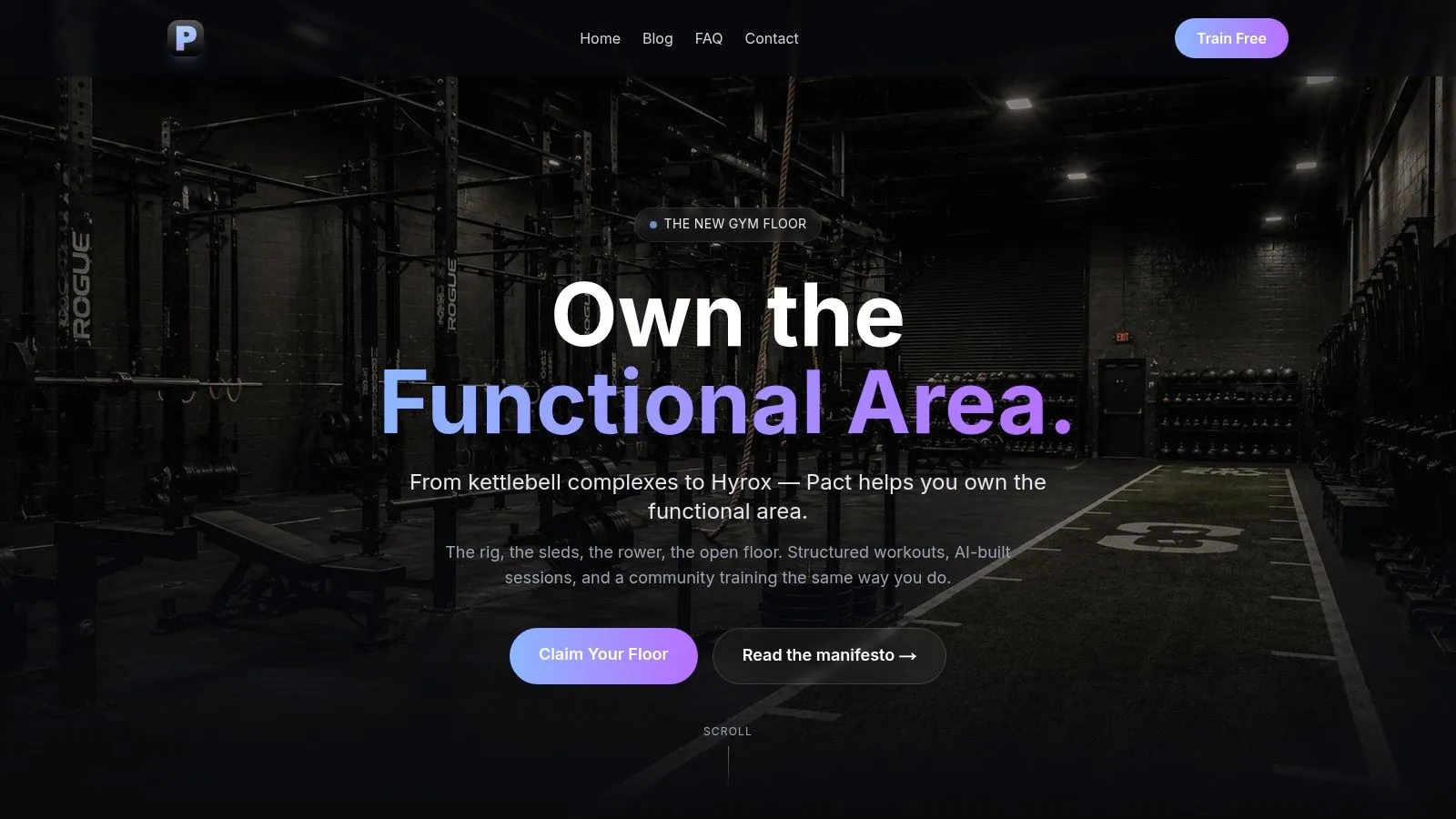
Pact Fitness feels more like a training app with AI built in than a pure generator. If you want HIIT, EMOM, AMRAP, or HYROX-style sessions from a plain request, it gets you moving fast. You give it equipment, training style, and time available, and it produces something runnable without much setup.
This is a good example of where “ai workout generator free” means different things depending on the athlete. Pact is free to start, no credit card required, and easy to use on iOS or Android. But its center of gravity is functional fitness, not endurance file creation or device sync.
Where Pact works best
Pact works well for users who need variety and motivation as much as structure. The app leans into community features, daily challenges, and leaderboards, so it can keep training from going stale better than a plain web generator. If you train in short mixed-modality blocks, that’s a real advantage.
If you’re trying to organize these sessions around a week of running, lifting, and conditioning, a simple workout planner calendar guide helps more than endless one-off generation. Pact is strong at giving you today’s session. It’s less convincing as a central command center for coaches building device-ready endurance work.
Pact is best when the workout starts and ends inside the app. It’s weaker when the session needs to travel to a watch, bike computer, or broader training system.
Pros
- Easy free start: No card friction.
- Broad functional coverage: More varied than basic split generators.
- Social accountability: Better than solo generators if adherence is your problem.
Cons
- Weekly free limits: Heavy users may hit the ceiling.
- Not endurance-specific: It won’t replace a Garmin or Wahoo interval workflow.
3. PumpAI
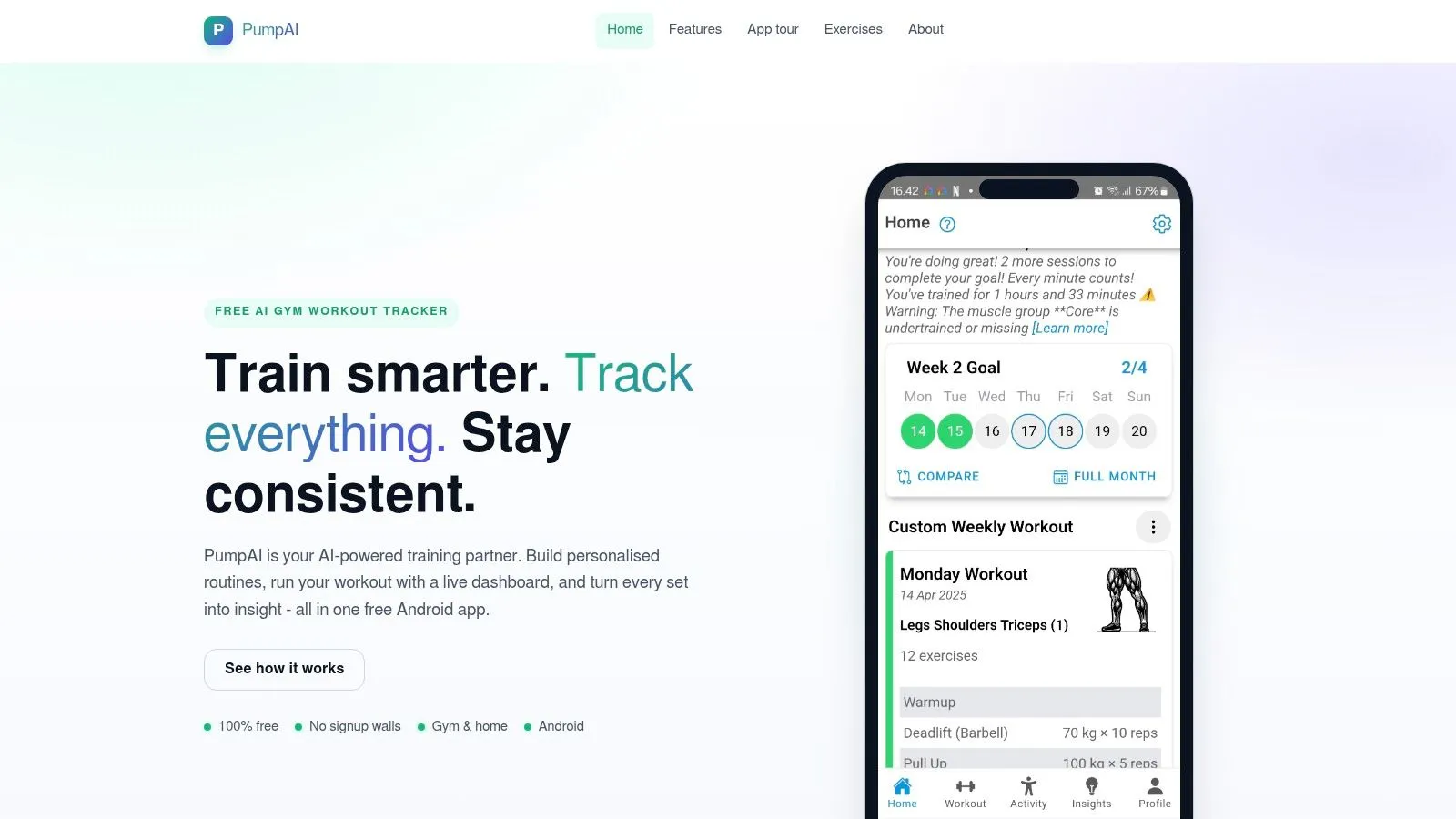
PumpAI is a practical pick for Android users who want a free strength app without signup friction. It generates routines, adapts recommendations based on goals and experience, and includes workout logging so you’re not forced into a second app mid-session.
A lot of free generators stop at plan output. PumpAI is better because it stays useful during the workout. You can generate the routine, log sets, and keep moving.
What it gets right
The integrated tracking is the main draw. If you’re training hypertrophy, general strength, or home workouts with dumbbells and bodyweight, the app covers the full loop better than tools that only spit out a static program. It also supports kg and lb, which sounds basic but saves friction.
The weak point is obvious for endurance athletes. There’s no direct watch or bike computer sync, and the training model is built around gym programming rather than interval prescription.
Best for
- Android lifters: Especially users who want one app for planning and logging.
- No-signup users: Good if you don’t want another account.
- General fitness routines: Better for progressive gym work than highly specific sport sessions.
Skip it if
- You need Garmin or Wahoo delivery: This isn’t that tool.
- You train by pace or power: The app isn’t centered on endurance execution.
4. Arvo Free AI Workout Plan Generator
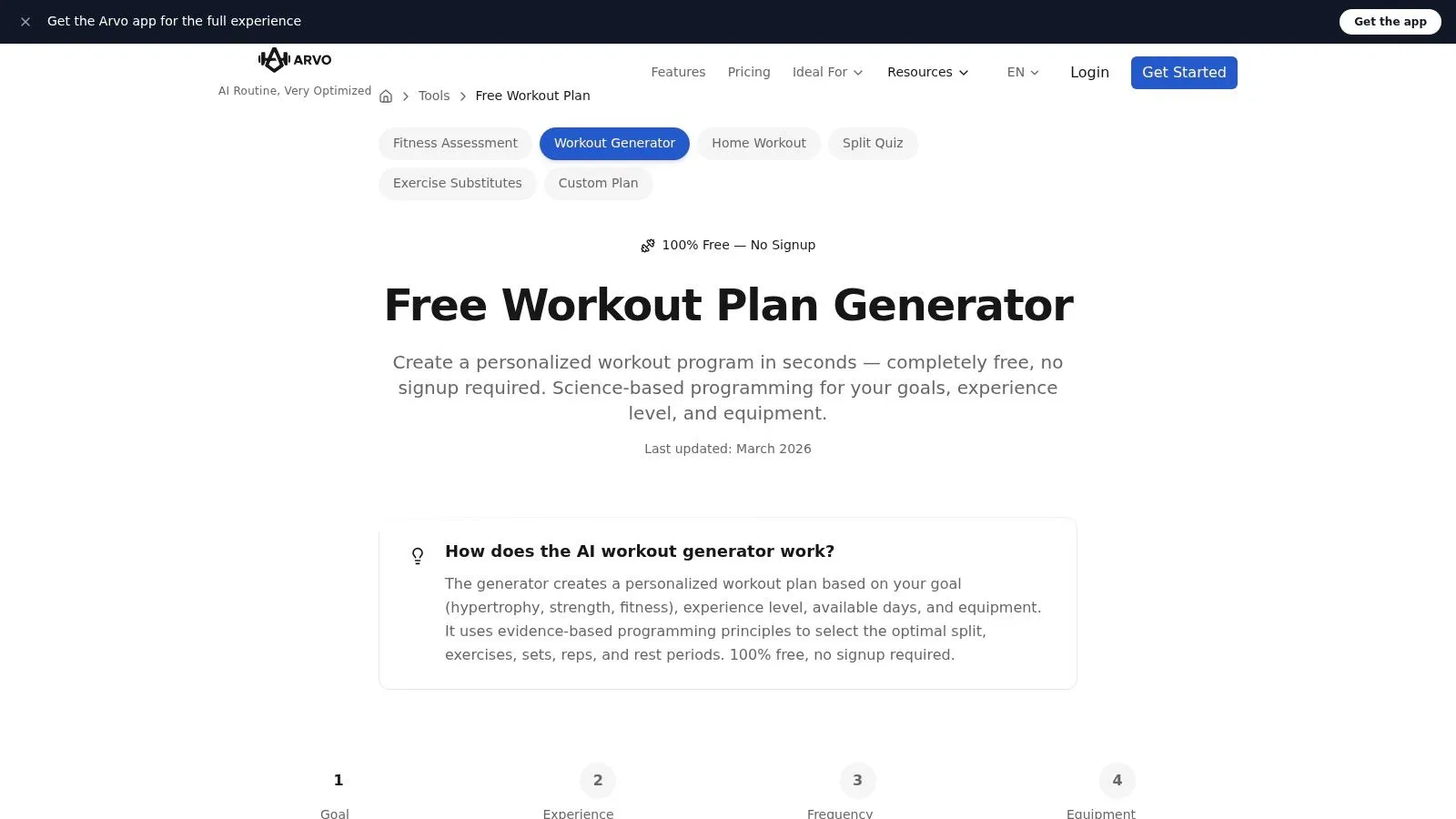
Arvo’s browser-based generator is one of the cleaner options for users who want a fast, static plan with no account required. You choose goals, training context, and equipment, and it builds a plan aimed at strength, hypertrophy, or general fitness without forcing you through an app install.
What I like about Arvo is its transparency. It doesn’t hand over a routine and disappear. It explains its programming choices, which makes it more coach-like than many generic generators.
Best use case
Arvo is useful when you want a draft plan quickly, especially for bodyweight, home gym, or standard gym setups. It’s also a solid fit for people who want to compare different split structures before committing. If you’ve been browsing generic templates and want something more customized, a workout plan builder approach pairs well with this kind of tool.
The limitation is that the output is static. If your schedule changes, your recovery tanks, or your progress jumps, the generator itself isn’t acting like a live coaching layer unless you move into its paid app ecosystem.
Pros
- No account needed: Fastest path from idea to plan.
- Programming explanations: Helpful for users who want to learn the logic.
- Unlimited free generation: Good for testing scenarios.
Cons
- Static plans: Less useful once real life disrupts the plan.
- No device sync: Not built for watch-driven interval training.
5. WorkoutGen
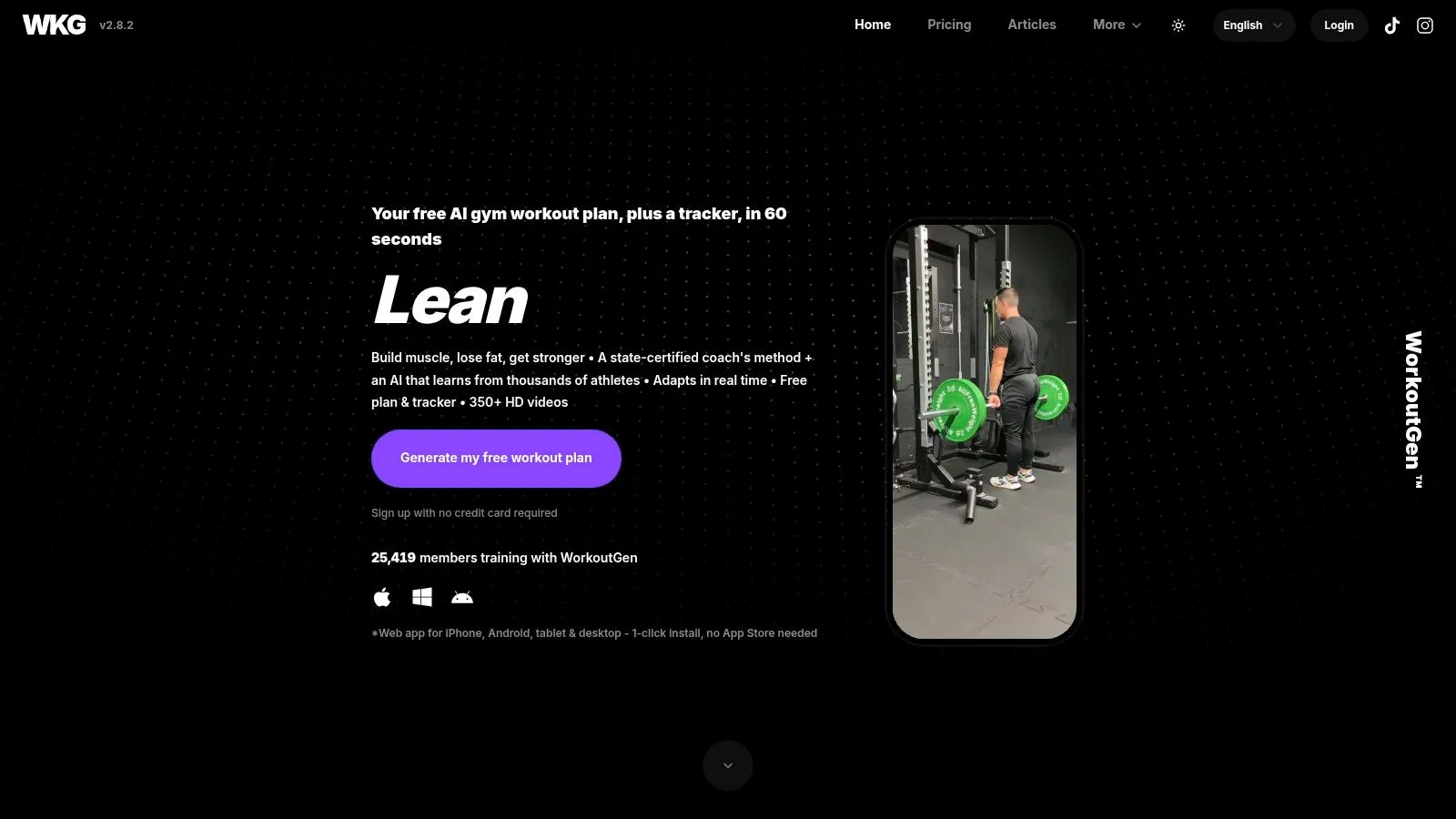
WorkoutGen sits in the middle ground between simple generators and more guided coaching apps. It builds multi-week gym programs, includes tracking, and adds HD exercise videos so the output isn’t a wall of sets and reps. For users who want progression rather than random daily sessions, that’s a stronger setup.
Its multi-language support is also worth noting. That’s not the same thing as free-form multilingual workout parsing, but it does make the app easier to use across a wider user base.
Who should use it
WorkoutGen is a good fit for people who want periodized gym training with enough structure to keep them consistent. Beginners benefit from the exercise demos. Intermediate users benefit from having progression built in rather than guessed on the fly.
The trade-off is familiar. The strongest adaptive features sit behind the premium upgrade, and the tool still points toward strength and body composition rather than endurance-specific programming.
If your training goal is “follow a progressive gym plan for the next block,” WorkoutGen makes more sense than a session-only generator. If your goal is “send tomorrow’s threshold workout to my device,” look elsewhere.
Strengths
- Multi-week structure: Better continuity than daily randomizers.
- Built-in tracking and videos: Good for less experienced lifters.
- Free entry point: Enough functionality to test the system.
Limits
- Upgrade pressure: Advanced AI guidance isn’t fully in the free tier.
- Sport specificity: Not built for runners, cyclists, or triathletes first.
6. WodSpark
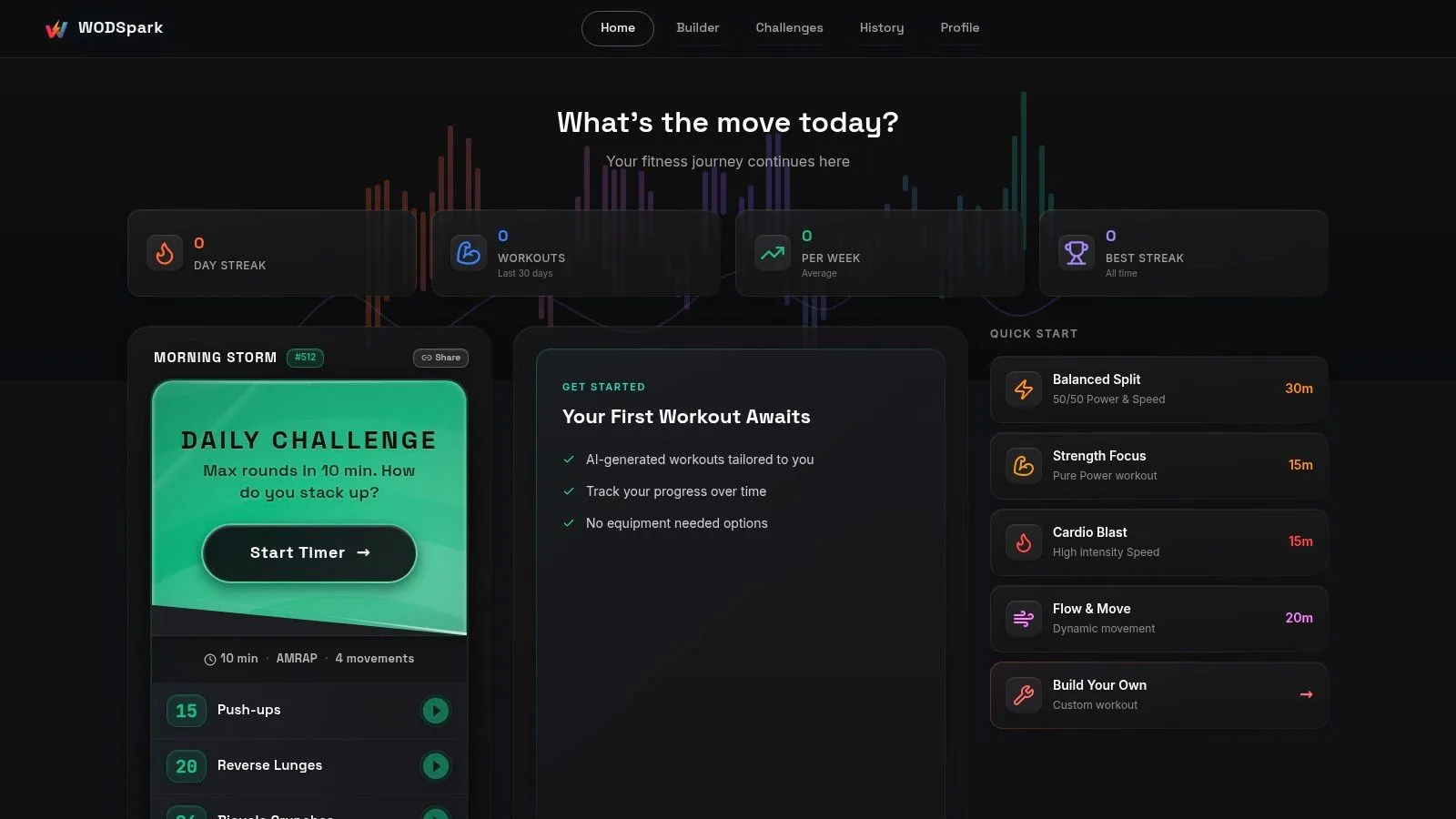
WodSpark is the open-source pick for people who want breadth, speed, and zero fuss. It covers a wide range of workout formats, including CrossFit-style sessions, home workouts, calisthenics, yoga, and timer-based structures. The built-in timer and offline-capable PWA support make it feel useful even when you’re not treating it like an “AI product.”
That matters because many free tools are generous at generation but clumsy during execution. WodSpark stays practical once the workout begins.
Why it feels different
The app’s equipment filters and muscle or joint protection options make it more thoughtful than random workout spinners. You can shape the session around what you have and what you need to avoid. Shareable links are also handy for coaches, small classes, or training partners.
Still, WodSpark isn’t trying to be your long-term planning system. It excels at generating a session and helping you run it. It doesn’t solve direct Garmin or Wahoo syncing, and it doesn’t act like a full endurance planning layer.
Use WodSpark if
- You want variety: Lots of formats, especially interval-style functional work.
- You train in different environments: Gym, home, travel, or low-equipment setups.
- You value open-source tools: The product philosophy is refreshingly straightforward.
Don’t expect
- Device integration: No direct send to endurance hardware.
- Deep plan management: Better for today than for the next training block.
7. Trainmint
Trainmint is built for speed and usability. It gives you a structured gym session with exercise order, sets, reps, rest guidance, and one-click swaps, all without creating an account. For beginners or busy users who need a sensible session that fits a specific time window, that’s a smart design.
The time-aware setup is its strongest feature. A lot of generators ask what you want to train but ignore how long you have.
What makes it practical
Trainmint is the kind of tool I’d recommend to someone who says, “I have 35 minutes, dumbbells, and no patience for setup.” It produces a coherent answer fast, and the alternate exercise swaps keep the session from breaking when a bench or machine is occupied.
The downside is that it doesn’t try to learn much from you over time. There’s no adaptive coaching layer, no analytics worth building around, and no direct sync to training devices.
Why people will like it
- Time-window awareness: Good for real schedules, not fantasy schedules.
- Useful session details: Exercise order and rest guidance matter.
- Low friction: No account, no app install barrier.
Where it falls short
- No deeper progression engine: Better for immediate utility than long-term adaptation.
- No device path: Not relevant for watch-based endurance training.
8. RunSync
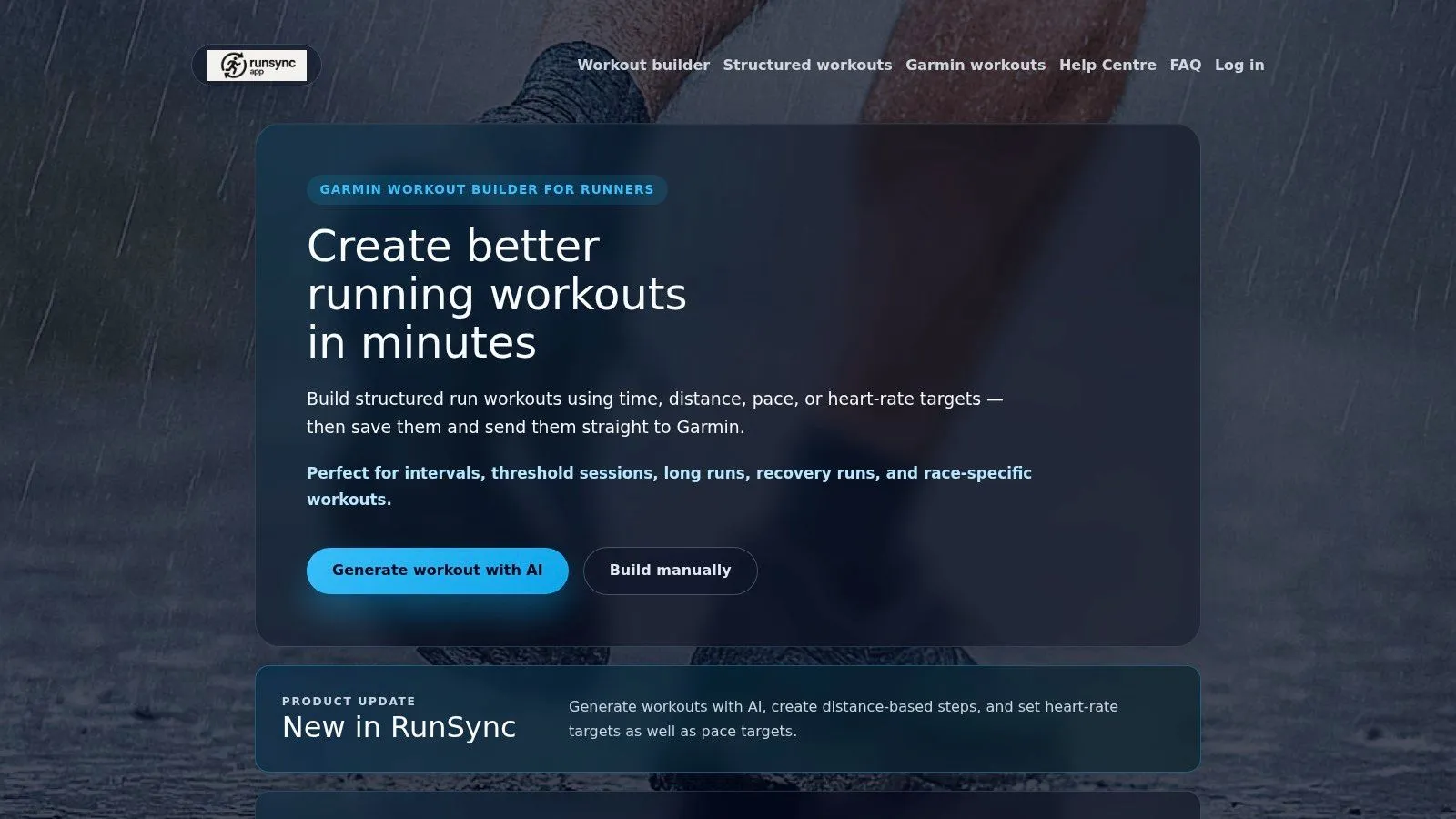
RunSync is one of the few tools on this list that speaks directly to a runner’s real annoyance: Garmin Connect workout building is functional, but it can be painfully slow when you’re creating lots of repeats or tweaking pace and heart rate targets. RunSync uses AI to build those sessions faster and send them into Garmin so they show up where you need them.
That narrower focus is a strength. It isn’t trying to be your lifting planner, mobility coach, and meal app all at once.
Where it saves time
RunSync works best for runners who already live in the Garmin ecosystem and want quick creation of interval sessions, pace-targeted work, and repeatable templates. Calendar planning is part of the appeal, because a good builder becomes more useful when the session lands on the right day without extra clicks.
Its weakness is scope. If you also want bike sessions, strength work, or triathlon coordination in one place, you’ll outgrow it faster than a single-sport runner will.
Pros
- Garmin-focused workflow: Strong fit for runners who execute from the watch.
- Structured session types: Intervals, distance, pace, and HR are the right primitives.
- Template repeatability: Useful for coaches and self-coached runners.
Cons
- Running only: Doesn’t cover broader training well.
- Availability details may evolve: Worth checking current product status before building around it.
9. Kaiord
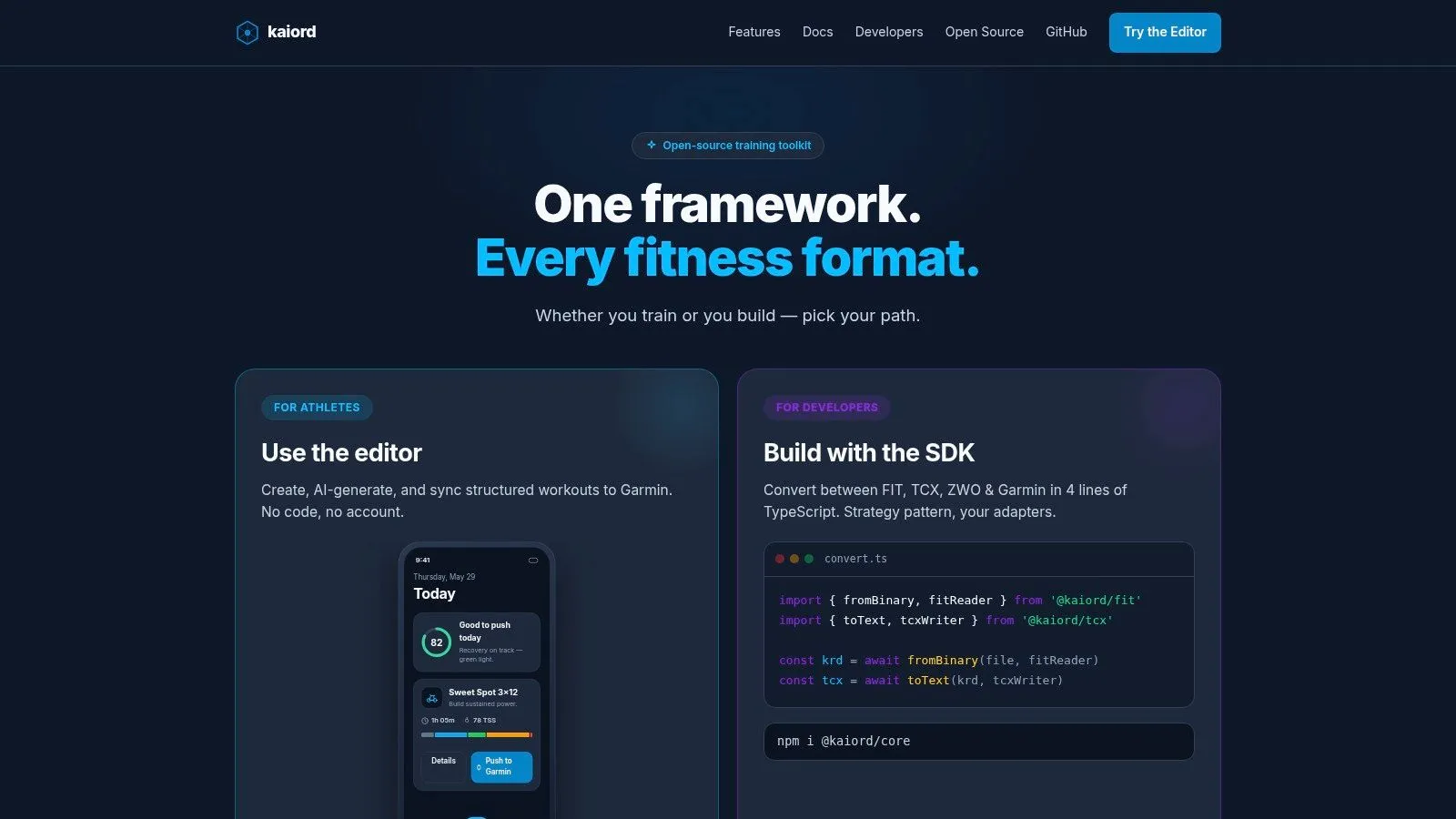
Kaiord is for the athlete or coach who wants control, privacy, and structured output without a black-box app feeling. It runs in the browser, supports AI generation from text, and can push workouts to Garmin. It also leans local-first, which will matter to users who don’t want every draft living on someone else’s server.
This is the most technical-feeling option in the roundup, and that isn’t a criticism. Some users will prefer that.
Why technical users will like it
Kaiord supports structured workout generation using pace, power, and heart rate zones, which immediately makes it more useful for endurance work than generic gym generators. Pulling completed activities back from devices also opens up better loop-closing for analysis and coaching.
The trade-off is polish. It has more of an open tooling vibe than a consumer-fitness vibe. If you’re comfortable with web editors and enjoy understanding how your workflow works, that’s fine. If you want the simplest possible onboarding, another tool will feel smoother.
The right user for Kaiord is someone who values control over hand-holding.
Strong points
- Garmin sync: Useful for real execution, not only planning.
- Zone-aware generation: Relevant for endurance athletes.
- Privacy-friendly design: Attractive for coaches and technically minded users.
Weak points
- Higher learning curve: Less beginner-friendly.
- Web editor only: No native mobile app experience.
10. Endurace
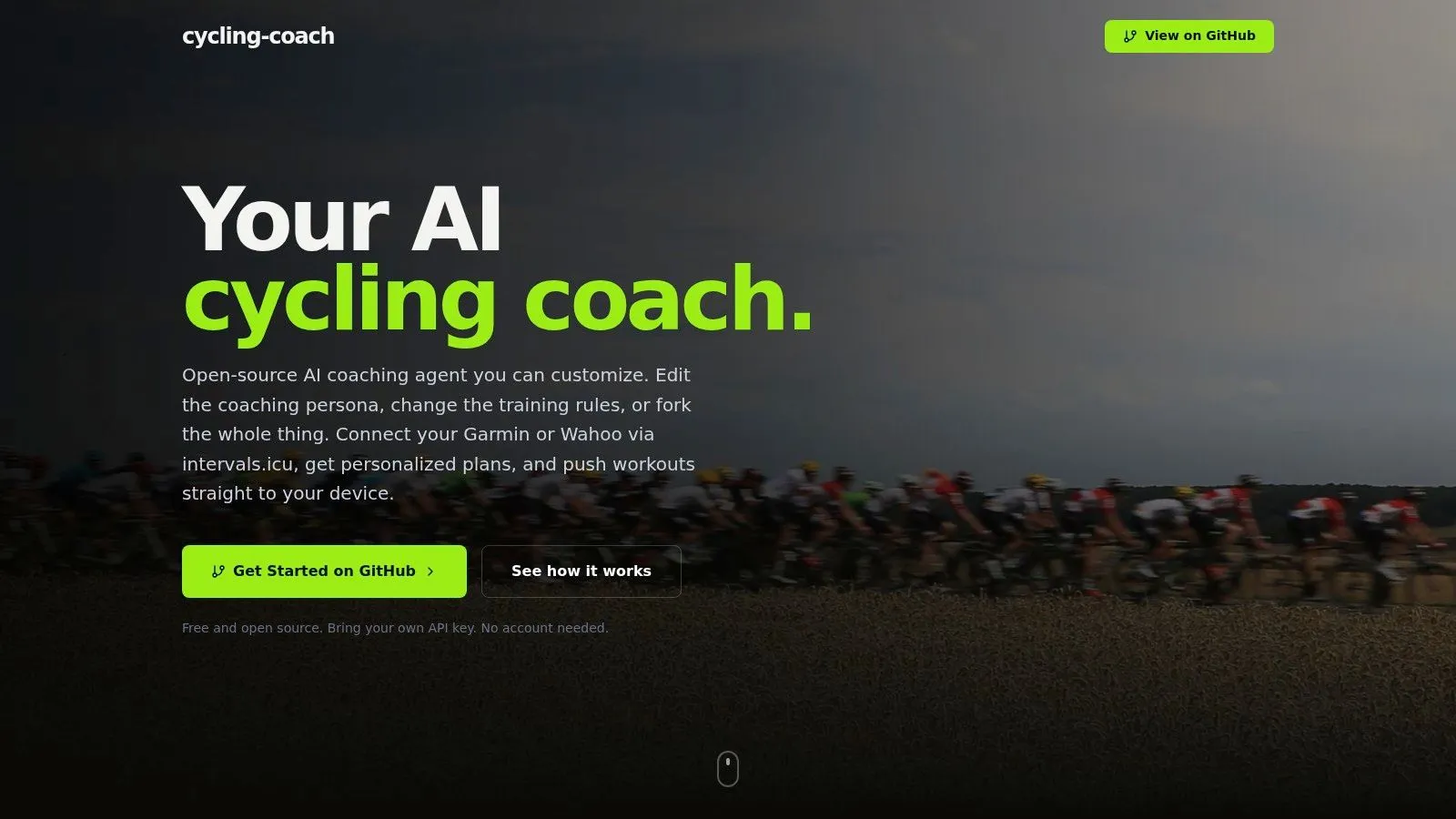
Endurace is one of the clearest examples of a free AI tool built for an endurance use case instead of retrofitting a gym generator for cyclists. It’s an open-source cycling coach and planner that personalizes periodized bike training and can sync through Intervals.icu into Garmin and Wahoo workflows.
That focus matters because the endurance gap is real. One underserved pattern in the market is that free AI workout tools overwhelmingly lean toward gym-style strength programming, while athletes using structured interval platforms often still have to do manual conversion work.
Who it is really for
Endurace fits cyclists who already use Intervals.icu or are willing to set it up. Once you’re in that ecosystem, the tool makes more sense because it can participate in a workflow endurance athletes already trust. If your interest is bike intervals specifically, that’s far more useful than another generic “full-body workout” generator.
For riders building quality sessions, a solid interval training bike workout framework helps you judge whether the generated work matches your actual intent. The downside is setup complexity. You need Intervals.icu in the loop, and the app isn’t pretending to be a general-purpose fitness generator.
Best parts
- Cycling-specific planning: Finally aligned with the sport.
- Garmin and Wahoo relevance: Stronger than generic free apps.
- Open-source approach: Transparent and community-driven.
Compromises
- Extra setup: Intervals.icu connection adds friction.
- Bike-first design: Not for users who want one app for every modality.
Top 10 Free AI Workout Generators: Feature Comparison
| Product | Core features | UX & Quality (★) | Pricing / Value (💰) | Target audience (👥) | Unique selling points (✨) |
|---|---|---|---|---|---|
| TextFit 🏆 | Text-first AI parsing, any-language input, instant preview, Garmin/Wahoo/Apple Watch sync | ★★★★☆ fast, minimal UI, no sign-up | 💰 Free to start; Pro subscription | 👥 Coaches & athletes using watches/head units; multilingual teams | ✨ Text-first multilingual input + direct device send; quick edits |
| Pact Fitness | AI HIIT/EMOM generator, exercise videos, community features | ★★★★☆ strong social UX, weekly free limits | 💰 Free tier + Pro (removes limits) | 👥 Functional fitness / HIIT community | ✨ Community challenges, leaderboards, large templates |
| PumpAI | AI routines, adaptive sets/reps, in-workout logging | ★★★★☆ practical logging, adaptive progress | 💰 100% free | 👥 Android users wanting free adaptive routines | ✨ No signup, integrated logging & progression |
| Arvo | Browser plan generator, evidence-based splits & volume | ★★★★☆ fast outputs, transparent rationale | 💰 Free static plans; paid adaptive app | 👥 Beginners / hypertrophy & strength seekers | ✨ Transparent programming explanations |
| WorkoutGen | AI multi-week programming, tracker, 350+ HD videos | ★★★★☆ strong periodization; freemium model | 💰 Freemium; “Max” paid upgrade for more AI/insights | 👥 Lifters wanting structured periodization | ✨ Emphasis on progression & in-app instructional videos |
| WodSpark | 75+ workout formats (AMRAP/EMOM/Tabata), timer, PWA/offline | ★★★★☆ open-source, reliable timers & filters | 💰 Free & open-source | 👥 CrossFit / home / bodyweight users | ✨ Extensive formats, equipment/joint filters, offline PWA |
| Trainmint | Time-window sessions, level/equipment-aware, swaps, YouTube links | ★★★★☆ fast, beginner-friendly session builder | 💰 Free-forever, no account | 👥 Beginners & time-constrained users | ✨ Time-window fitting & one-click exercise swaps |
| RunSync | AI running intervals, pace/HR targets, one-tap Garmin send & schedule | ★★★★☆ precise for runners, template-focused | 💰 Pricing unclear / evolving | 👥 Runners needing Garmin-ready workouts | ✨ Garmin calendar integration + repeatable templates |
| Kaiord | Open-source in-browser editor, AI text→workout, Garmin push/pull, SDKs | ★★★★☆ developer-friendly, privacy-first (local) | 💰 Free & local-first | 👥 Coaches/developers wanting control & privacy | ✨ Local-first operation, SDKs, pull completed activities |
| Endurace | Periodized cycling plans, daily suggestions, Intervals.icu linkage | ★★★★☆ bike-focused, community-driven | 💰 Free & open-source (requires setup) | 👥 Cyclists & endurance coaches | ✨ Intervals.icu integration; tailored cycling periodization |
Your Training, Upgraded by AI
You write a clean interval session on your phone before breakfast. By the time you get to the track or roll out on the bike, the primary concern is not whether the workout looks good in text. The question is whether it survived the trip to your Garmin or Wahoo in a format you can follow.
That is the practical dividing line between free AI workout tools. Some are good prompt generators. Fewer are reliable execution tools. For gym training, that gap is manageable because you can glance at a screen and adjust on the fly. For endurance work, the handoff matters more. Interval structure, lap timing, pace or power targets, warm-ups, recoveries, and repeats all need to stay intact from prompt to device.
The market is moving in that direction. Analysts at Grand View Research’s AI personal trainer market report found strong growth in AI-based coaching tools, which lines up with what coaches and self-coached athletes are already doing. Text-first workflow is becoming a normal way to build training because it cuts admin and matches how sessions are written in practice.
That shift is useful, but free tools still split into different camps. One group helps you get a fast session on screen. Another helps you plan a week of lifting. A much smaller group handles the hard part for runners, cyclists, and coaches who need workouts to leave the app and run correctly on hardware.
I see that problem most often with endurance athletes. Coach notes live in WhatsApp, TrainingPeaks comments, spreadsheets, or plain text. Then someone has to rebuild the workout step by step inside Garmin Connect, Wahoo SYSTM, or another editor. The friction is not the workout design. The friction is translation.
The practical picks are straightforward:
- Choose Pact Fitness, WodSpark, or Trainmint if you want quick session generation and plan to execute inside the app or browser.
- Choose PumpAI, Arvo, or WorkoutGen if your training is mostly gym-based and you want structure without worrying much about device export.
- Choose RunSync, Kaiord, Endurace, or TextFit if your bottleneck is converting structured endurance work into something Garmin or Wahoo can run.
Device support is where the separation shows up. RunSync is useful for runners who want Garmin-ready intervals with minimal setup. Kaiord gives coaches and technical users more control, plus local-first privacy and Garmin push or pull options. Endurace fits cyclists who already work in an Intervals.icu-centered setup. TextFit stands out for a broader prompt-to-device workflow, especially if workouts start as natural language and need cleanup before sync.
Language support also matters more than many reviews admit. Multilingual parsing is not a cosmetic feature for coaches working with international athletes, or for athletes who naturally write session notes in one language and use devices set to another. If the app cannot interpret that input cleanly, the workflow slows down fast.
If you want the shortest path from written session to a workout your device can run, type one into TextFit: “5 x 3 min at threshold with 2 min easy”, in any language. You get a structured session to review and tweak, then it syncs to Garmin and Wahoo or schedules on your Apple Watch. It’s free to start, and there’s no sign-up.